Source mesh
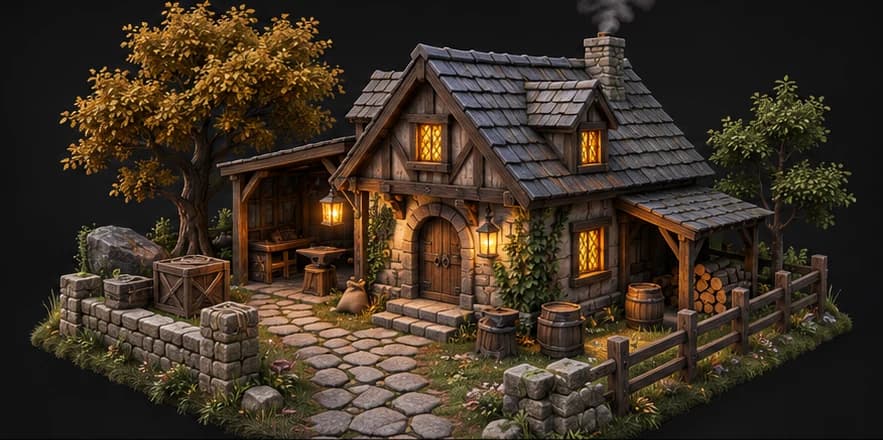
Choose the cottage as one asset. Note the intended doorway size, camera distance and ground level before cleanup.
Game development
Explore a game’s visual language through characters, environments and props, then prepare selected concepts for your engine.
Engine handoff
Choose the cottage as one asset. Note the intended doorway size, camera distance and ground level before cleanup.
Set the pivot near the centre of the footprint. Check dimensions, normals and material slots. Separate doors or props that need to move.
Confirm import units and axes. Add simple collision, inspect the doorway at player height, and profile the scene on the target platform.
At gameplay distance
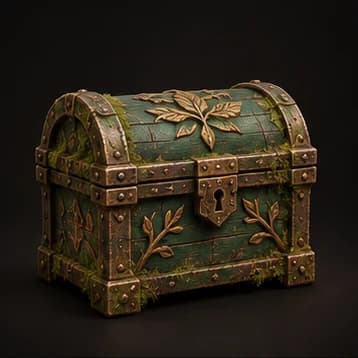
Can you identify doors, cover and interactive objects from the actual gameplay camera?
Check texture colour space and slot mapping under level lighting. Compare neighbouring props before changing one material in isolation.
Use engine profiling for context. Check draw calls and texture memory with several instances in the scene.
FAQ
Budget, collision, rigging and material requirements are engine- and project-specific. Validate each asset in context.
Individual props and pieces are easier to revise, reuse and optimise.
Start with units, coordinate axes, normals, texture colour space and material slot mapping.