Prop development
AI 3D Game Asset Generator
Explore individual props, vehicles and environment objects with prompts or visual references made for your game’s art direction.
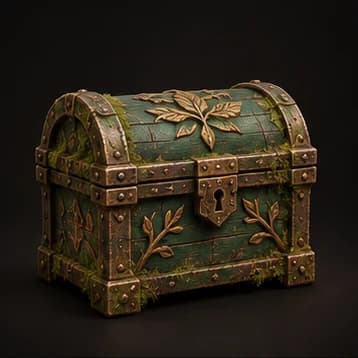
Ironbound chest
Make the latch large enough to read from your gameplay camera.
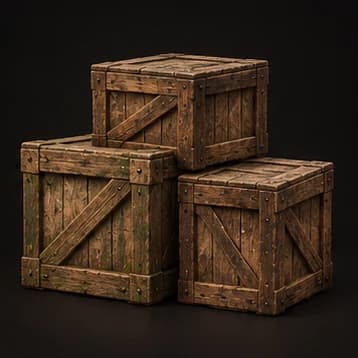
Supply crates
Choose consistent plank width, corner wear and pivots so the crates stack cleanly.
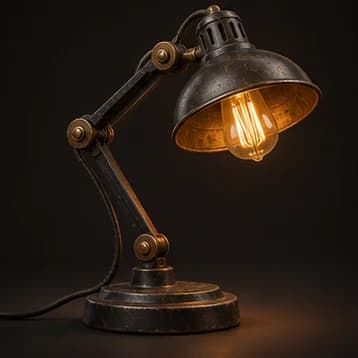
Foundry lamp
Check whether the light source or bulb should be a separate material or object.
Illustrative set for a workshop environment.
Asset brief
Set the rules before making the set.
Record dimensions, pivot, collision and finish once so the props fit together when imported.
Workshop prop specification
- Shared materials
- Repeat a weathered wood, dark iron and muted brass palette across the collection.
- Pivots and grid
- Pick the origin and snap increments before export. Test the pivots by placing assets next to each other.
- Ready for scene testing
- Review collision and levels of detail at the actual camera distance. Use the engine’s profiler in context.
FAQ
Frequently asked questions
Can I use a generated asset directly in a game?
Inspect geometry, UVs, materials and collision needs in your engine before using it in a build.
How do I get consistent props?
Repeat the same finish, palette and shape vocabulary, and compare the results under shared lighting.
How should I design a modular part?
Set the intended grid, dimensions and snap points first, then align and measure geometry in an editor.