
AI-powered 3D creation
AI 3D Model
Generator
Imagine it. Make it 3D.
Turn images and text into 3D models for creative projects, from product concepts to characters and game assets.
Image to 3D
Give a flat idea
some depth.
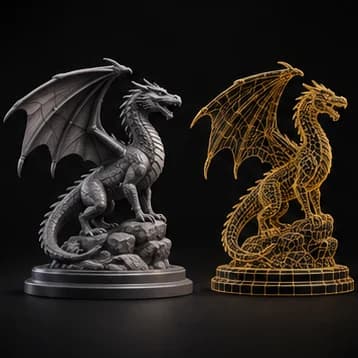
Start with a clear photo, product shot or sketch. Explore its shape in 3D, then refine the details from every angle.
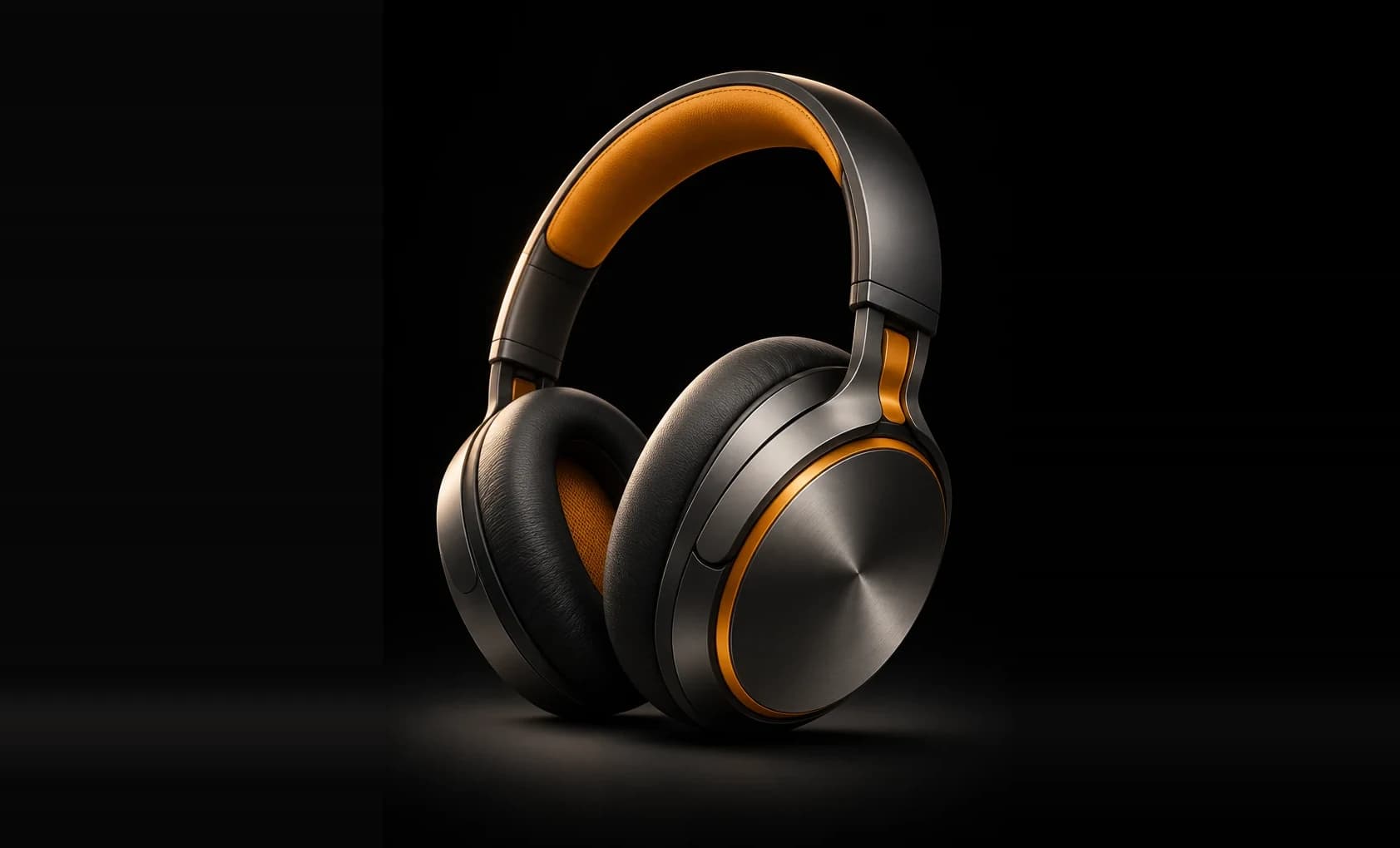
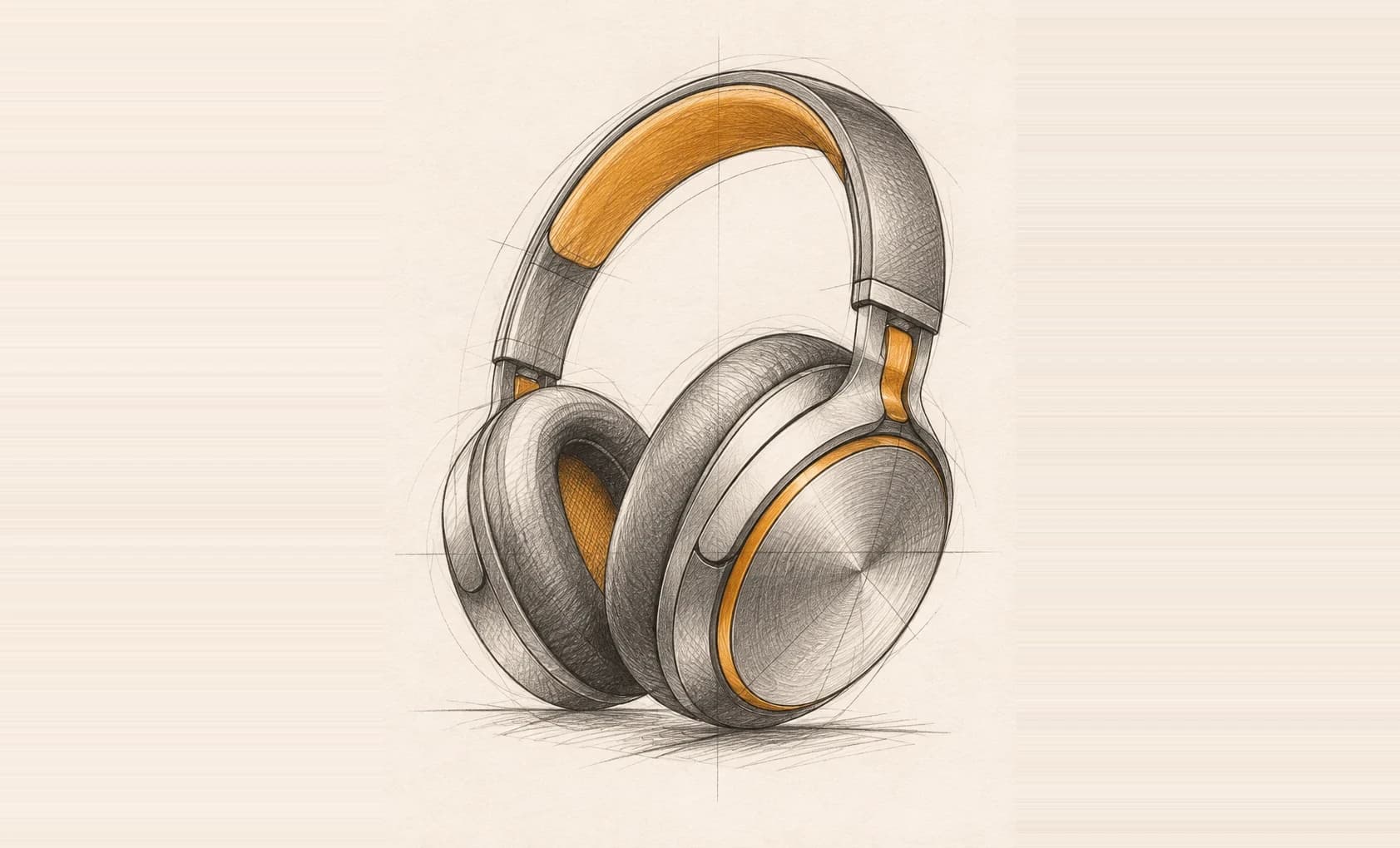
Text to 3D
Describe the model you want.
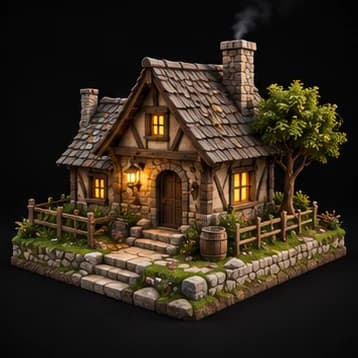
Choose an example to see how a short prompt can define a subject’s shape, material and style.
Example prompt
Model gallery
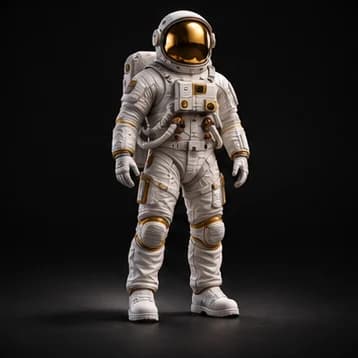
Explore what you can make.
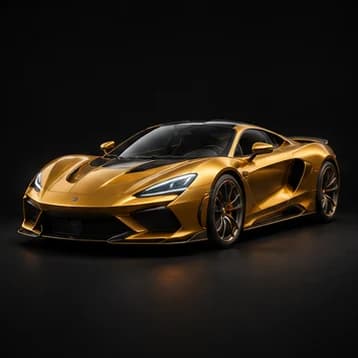
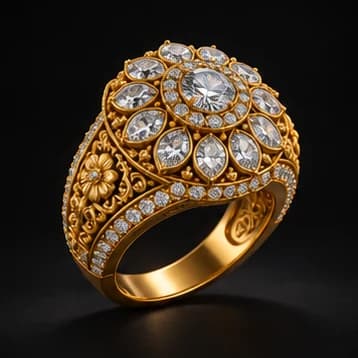
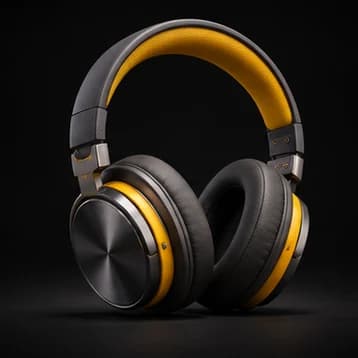
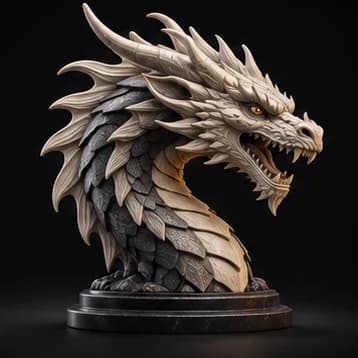
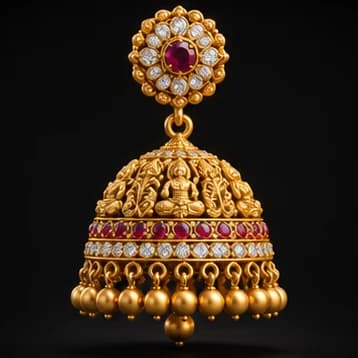
A collection of illustrated characters, products, environments and more.
How it works
From reference to first model.
- 01
Choose your starting point
Bring a clear image or write a prompt that describes one subject.
- 02
Generate a first pass
Open Studio and use the image or text workflow to explore the form.
- 03
Inspect and refine
Review proportions, surfaces and geometry in the tools you use for your project.
Solutions
Find a workflow for your project.


Export formats
Choose a format for your next step.
Match the file to your destination. Confirm the formats available in Studio before starting a format-dependent project.
- GLB / glTF
- Common for web delivery and materials.
- OBJ
- Common for exchanging mesh geometry.
- STL
- Common for getting triangle geometry into a slicer.
Software compatibility
Continue in your own tools.
Check your destination software’s import requirements, and convert in a mesh editor when needed.
Creative workflow
Explore before you commit.
Compare directions
Test several silhouettes or material ideas before committing to a detailed model.
Bring references into the review
Give collaborators a dimensional starting point for discussing shape and finish.
Studio pricing
See the status of pricing, credits and usage details.
FAQ
Frequently asked questions
What is an AI 3D model generator?
It creates three-dimensional model concepts from inputs such as images or text prompts. You can use the first pass to explore shape and guide further modelling.
Should I start with an image or text?
Use an image when you already have a photo or sketch with a clear silhouette. Start with text when you want to explore ideas through shape, style and materials.
Can I use a generated model for 3D printing?
Inspect and repair the geometry, verify scale and wall thickness, then check the result in a slicer before printing. Confirm the Studio’s current export options.
What file formats are available?
Check Studio for the export options currently available to your account. The export guide on this page explains common formats and where they are used.
Are the website examples actual Studio outputs?
The gallery and homepage use illustrative marketing renders to show different subjects and design directions.
3DGenerator.in Studio
Ready to make it 3D?
Start your next model with an image or an idea.