Image workflow
AI Image to 3D Model Generator
Start with a product photo, a drawing or a character reference. Give your idea depth and develop it as a 3D concept.
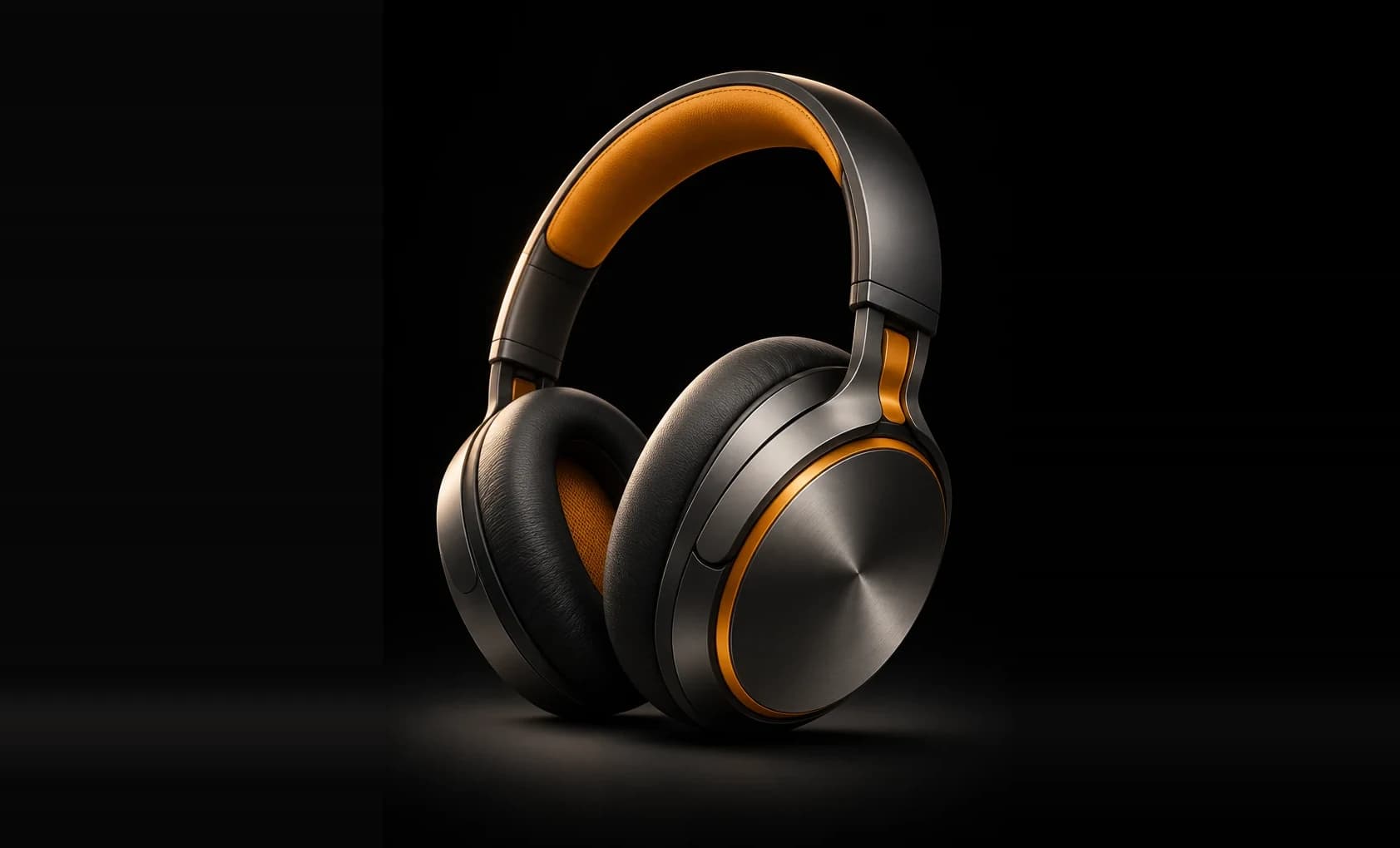
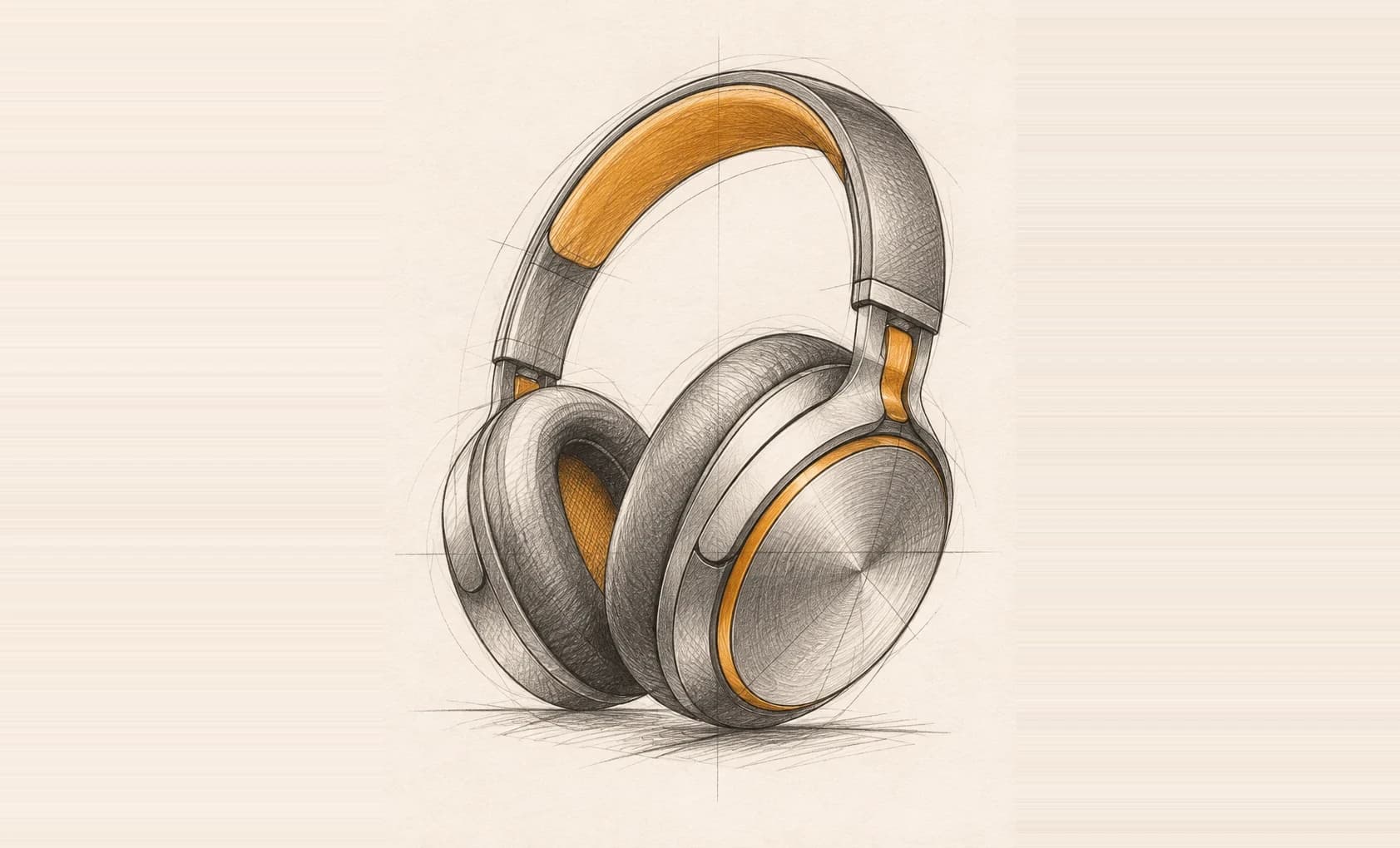
Before you upload
Can your reference explain the shape?
Use this quick check on a photo, sketch or character reference.
After generation
Inspect the parts the camera missed.
For the headphones in the study above, turn the model over to check the inner band, cup hinges and underside.
Compare the silhouette
Check the front and side against the reference at the same scale. Look for missing openings and uneven proportions.
Rotate to the hidden surfaces
Inspect the rear and underside for guesses that change the intended design.
Check your next tool
Confirm available export formats in Studio and check scale, orientation and material assignment after import.
FAQ
Frequently asked questions
What makes a good input image?
A well-lit image of one subject, with clean edges and minimal perspective distortion.
Can a single photo capture the back?
Hidden surfaces are inferred. Review them before relying on the geometry.
What can I improve after generation?
Inspect proportions and small features, remove unwanted geometry and refine materials in your preferred 3D editor.