Ecommerce
AI 3D Product Models for Ecommerce
Use product photography to develop 3D concepts for retail pages, then validate colour, proportions and web performance before publishing.
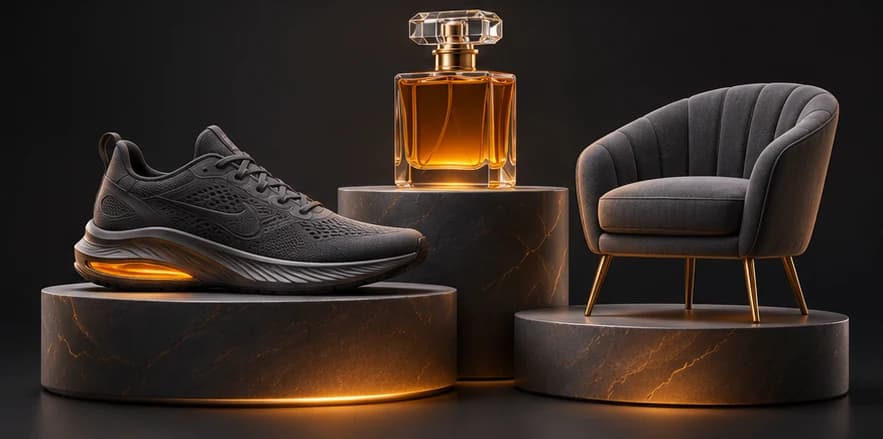
Use a lightweight poster first and open a 3D view only if you have a verified asset and the shopper asks for it.
One-SKU pilot
Check the product before the viewer.
Compare your 3D representation with approved photography under neutral lighting.
Match the physical SKU
Compare seam placement, materials, colour and proportions. Check each colour variant separately.
Verify the storefront format
Confirm the store’s viewer requirements and how to obtain a compatible asset, such as GLB if supported.
Test on a phone
Check that the poster appears quickly, the user can dismiss the viewer and product information stays readable while the model loads.
Choose a clean product photo.
Use the reference checklist to prepare a photo of the SKU you want to test.
FAQ
Frequently asked questions
Can I replace product photos with a generated model?
Use approved photography as the source of truth. Add a 3D view after you verify the exact SKU and visual details.
What makes an asset suitable for mobile?
Optimised geometry, compressed textures and a static poster help keep data usage and layout shifts low.
How should I check a variant?
Review colour and material separately for each SKU, especially when lighting can shift perceived colour.