Text workflow
AI Text to 3D Model Generator
Describe the shape, materials and style you have in mind. Start a 3D concept with a written prompt.
Explore example prompts in the workbench below. The artwork illustrates each brief.
Example prompt
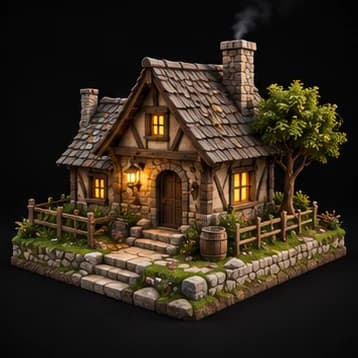
Prompt recipe
Change one detail at a time.
Use these three versions of the same rover brief. The review notes tell you what to compare when you run each version in Studio.
- 01
Name the shape
A compact lunar rover with four chunky tyres.
Look for A low vehicle silhouette and a clearly readable wheel count.
- 02
Specify the finish
A compact lunar rover with four chunky black rubber tyres and a matte ivory body with graphite panels.
Look for Separation between rubber, body panels and trim. Check whether surface details are textures or geometry.
- 03
Add one structural detail
A compact lunar rover with four chunky black rubber tyres, a matte ivory body with graphite panels, and one high-mounted camera mast.
Look for A single readable mast at the intended height. Check the join to the main body and keep the vehicle silhouette readable.
When a result drifts
Decide what to change.
The silhouette is wrong
Lead with a clearer object description. Specify the number and placement of important parts before adding finish or ornament.
The surface looks wrong
Name the material and finish together, such as matte ceramic or brushed aluminium. Test that change while keeping the geometry brief fixed.
Small parts are joined or missing
Prioritise the largest structural features first. Inspect the model from several angles and rebuild precise details in a modelling tool if needed.
FAQ
Frequently asked questions
How long should a prompt be?
A short, specific paragraph is usually easier to refine than a long list of loosely related details.
Can I ask for exact dimensions?
Treat measurements in a prompt as visual guidance. Measure and rebuild critical geometry in a modelling or CAD tool.
Are the examples Studio outputs?
The examples on this site are illustrative artwork. Use their prompts as starting points in Studio.